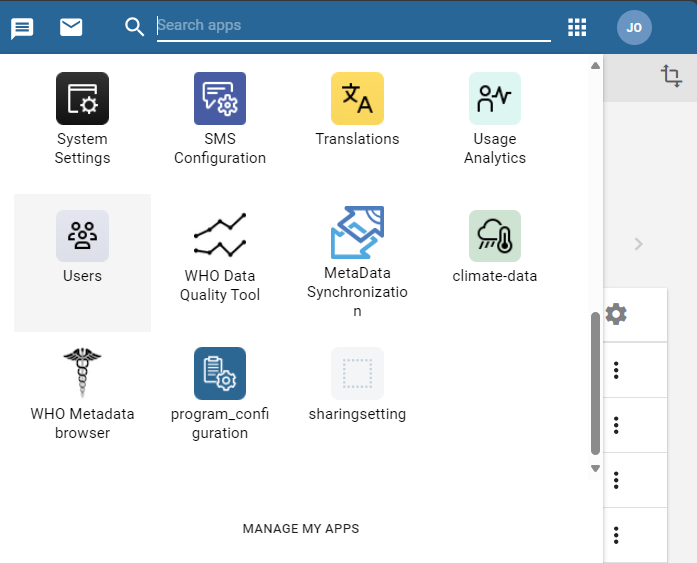
1. Open the Users app
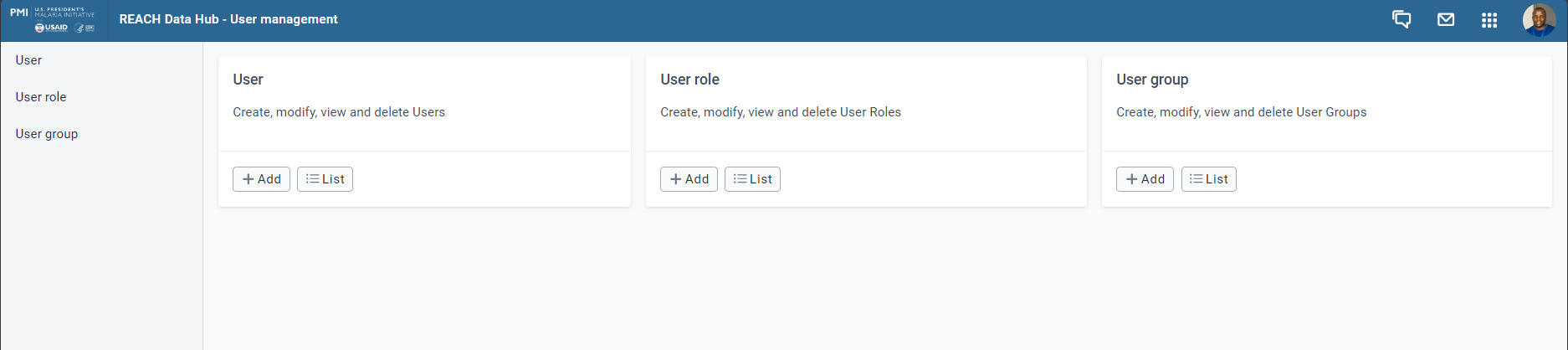
2. Click on the + in the Users card
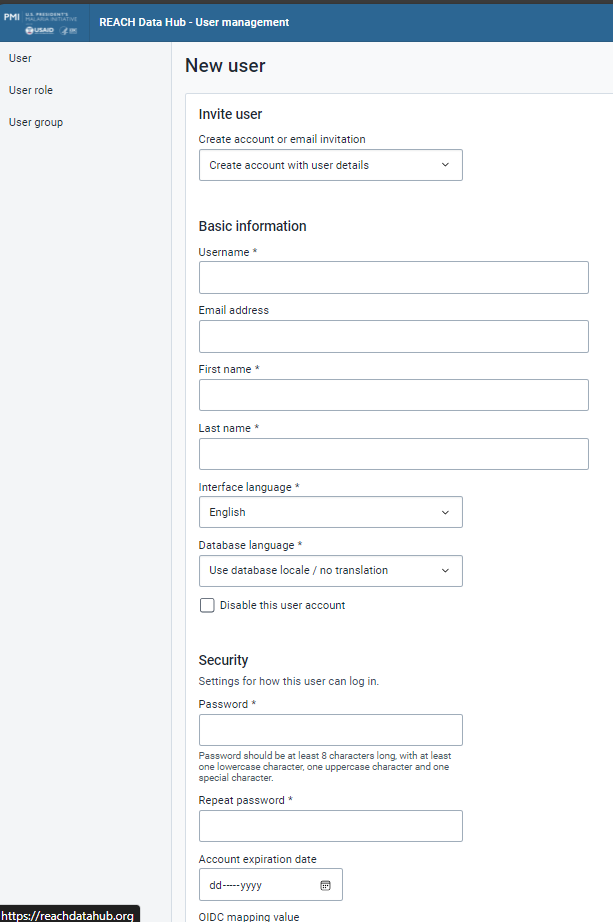
3. Fill in the Username, Password, Surname and First name
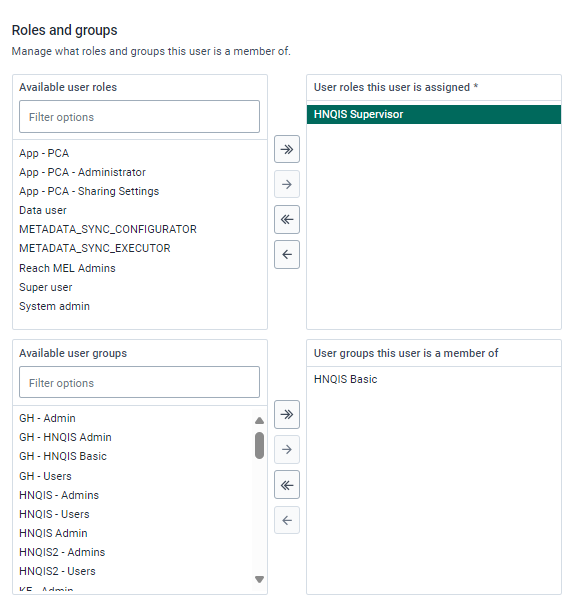
4. In the Available roles section, double-click on the HNQIS Supervisor role to assign the role to the user and From Available user groups section, select the [country ISO code] – HNQIS Basic user group

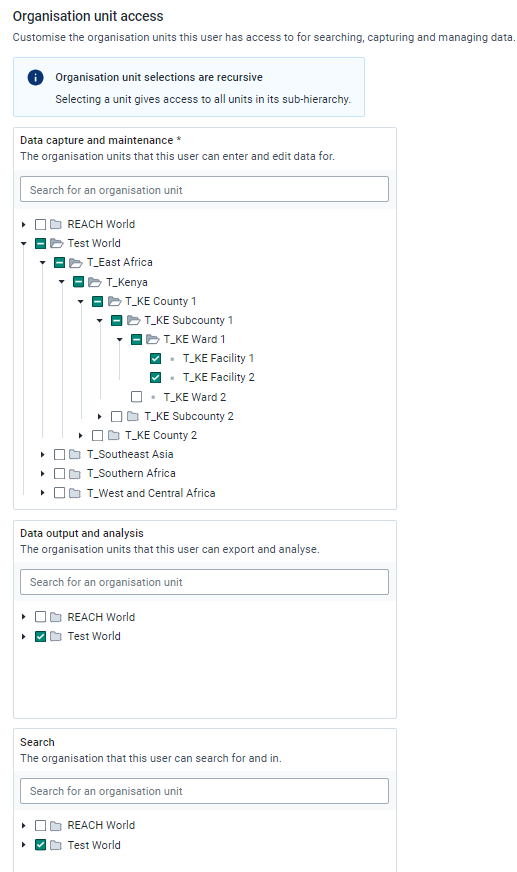
6. For Organisation Units Access; ensure you select the right levels when assigning a user:
a. Data Capture and Maintenance
The organisation units that this user can enter and edit data for. Assign the specific facility the user will visit in this level
b. Data Output and Analysis
The organisation units that this user can export and analyse. Assign a higher level for this. Example, if collecting at the facility level, give access to the District level where they can access all the facilities they visited.
c. Search
The organisation that this user can search for and in.
7. Click Save
Was this article helpful?
That’s Great!
Thank you for your feedback
Sorry! We couldn't be helpful
Thank you for your feedback
Feedback sent
We appreciate your effort and will try to fix the article